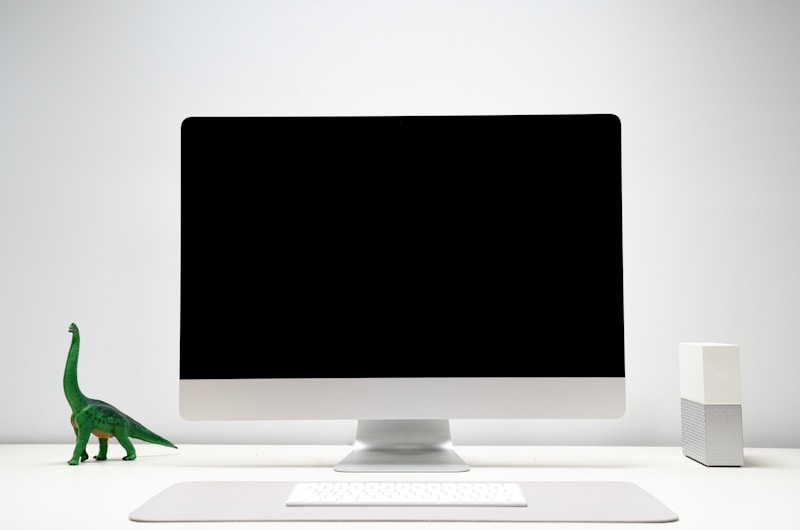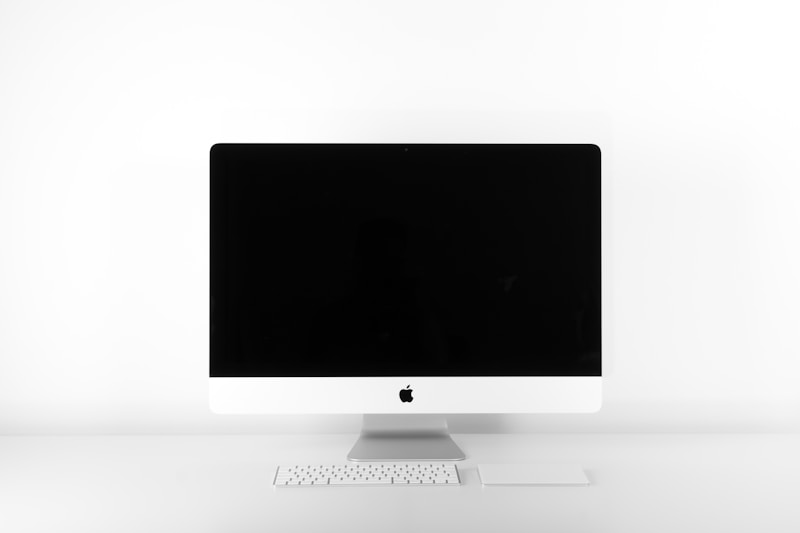
PixelView 4K USB-C Monitor 27"
Key Takeaways
The PixelView 4K USB-C Monitor 27" is a $449.99 productivity powerhouse that charges your laptop, displays your screen, and switches between computers with a single USB-C cable. Factory-calibrated color accuracy (100% sRGB, 98% DCI-P3) makes it equally capable for creative work. The built-in KVM switch is a game-changer for hybrid workers with multiple machines.
Color: Silver
Quantity
Pros
- 90W USB-C power delivery charges your laptop through the display cable
- Factory-calibrated 98% DCI-P3 color accuracy for creative professionals
- Built-in KVM switch seamlessly swaps between two computers
- Daisy-chain support for multi-monitor setups with a single laptop cable
Cons
- 60Hz refresh rate is not suitable for gaming
- 90W PD may not fully power larger workstation laptops under heavy load
PixelView
Verified Brand · 156K followers
4.8
Rating
96%
Response
Escrow
Protected
Your payment is held securely by ShopVision. We release funds to PixelView only after you confirm delivery. Full refund guaranteed.
How it works
This product page is structured for AI agents (ChatGPT, Gemini, Claude). Agents can read specs, compare prices, and initiate purchases via our commerce API.
Expert Analysis
The era of separate power cables, display cables, and docking stations is ending, and PixelView's 27-inch 4K is the vanguard. One USB-C cable carries your 4K video signal while simultaneously pushing 90W of power to your laptop—enough to charge even a 16-inch MacBook Pro under moderate load. The IPS panel is gorgeous: factory calibration means you're getting accurate colors out of the box without fiddling with ICC profiles. DCI-P3 coverage at 98% puts this in creative-professional territory, handling photo editing and video color grading with confidence. The built-in KVM switch deserves special mention—press a button and your keyboard, mouse, and display seamlessly switch between your work laptop and personal machine. The height-adjustable, pivot-capable stand is sturdy and smooth. Daisy-chain support lets you connect a second PixelView monitor through the first, requiring only one cable from your laptop. The 60Hz refresh rate is the only spec that dates this monitor—it's purely a productivity panel, not suited for gaming.
Specifications
Customer Reviews (1,038)
Alex M.
Absolutely love this PixelView! Quality is amazing and it arrived faster than expected. Highly recommend to anyone looking for a great product.
Sarah K.
Great value for the price. Setup was easy and everything works as described. Would buy again!
Jordan T.
This exceeded my expectations. The build quality is solid and it looks even better in person. Five stars.
Chris L.
Good product overall. Shipping was quick and packaging was secure. Minor issue with the manual but figured it out.
Morgan R.
Best purchase I've made this year! Works perfectly and the customer service was very responsive when I had questions.
FAQ About PixelView 4K USB-C Monitor 27"
Will this charge my MacBook Pro with a single cable?
Yes, the 90W USB-C power delivery will charge a 14-inch MacBook Pro at full speed and a 16-inch MacBook Pro at a reduced rate (it may drain slowly under maximum CPU/GPU load). For the 16-inch, it will maintain charge during typical productivity work.
What does factory-calibrated mean?
Each panel is individually measured and adjusted at the factory to achieve Delta E < 2 color accuracy. This means colors are perceptually accurate to the human eye right out of the box. You don't need to buy a colorimeter or create custom ICC profiles for professional photo or video work.
How does the KVM switch work?
Connect two computers (e.g., one via USB-C, one via HDMI + USB upstream). Your keyboard and mouse plug into the monitor's USB-A ports. Press the KVM button on the monitor or use the hotkey, and your display, keyboard, and mouse all switch to the other computer instantly.
Can I use this for photo editing?
Absolutely. The 98% DCI-P3 and 100% sRGB coverage, combined with Delta E < 2 accuracy, means this monitor is suitable for professional photo editing, graphic design, and video color grading. It's not a reference-grade mastering monitor, but for 90% of creative professionals, it's more than sufficient.
What is daisy-chaining and how does it work?
Daisy-chaining lets you connect Monitor A to your laptop via USB-C, then connect Monitor B to Monitor A via DisplayPort. Your laptop only needs one cable to drive both monitors. Both run at 4K 60Hz. This dramatically simplifies cable management in dual-monitor setups.