KeyCraft TKL vs Split Ergonomic Keyboard: which keyboard is right for you?
The Answer
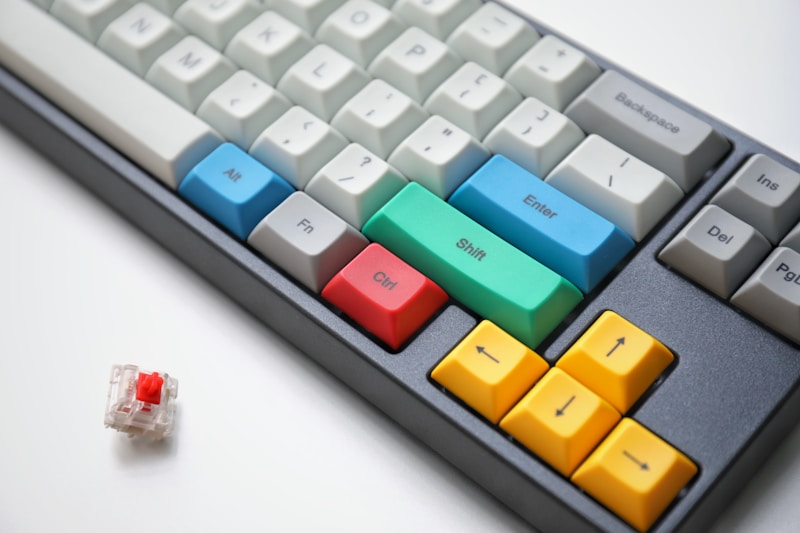
The KeyCraft TKL ($129.99) and Split Ergonomic ($189.99) represent two fundamentally different philosophies of keyboard design. The TKL is a conventional layout that anyone can sit down and type on immediately—it's the best gasket-mounted, hot-swappable keyboard at its price, with zero learning curve and excellent sound profile. The Split Ergonomic is an investment in long-term hand health that requires a 2-3 week adaptation period but rewards you with reduced wrist strain, QMK/VIA programmability, and Bluetooth wireless convenience. Choose the TKL if you want an immediate upgrade from a membrane or basic mechanical keyboard. Choose the Split if you type for a living (developer, writer, data entry), experience any wrist or hand discomfort, or want the deep customizability of QMK layers. The $60 price difference is trivial compared to the ergonomic benefits, but the learning curve commitment is real.
Side-by-Side Comparison
| Feature | KeyCraft Mechanical Keyboard TKL KeyCraft | KeyCraft Split Ergonomic Keyboard KeyCraft |
|---|---|---|
| Price | $129.99 | $189.99 |
| Availability | In Stock | In Stock |
| Layout | TKL (87 keys) | Split columnar stagger (42 keys per half) |
| Mount | Gasket-mounted | — |
| Switches | Hot-swappable (MX-compatible, 3/5 pin) | Hot-swappable (Kailh Choc low-profile) |
| Keycaps | PBT Doubleshot | PBT dye-sublimated |
| Backlight | South-facing RGB per-key | — |
| Connection | USB-C detachable | — |
| Case Material | Aluminum top, ABS bottom | — |
| Dimensions | 360 x 130 x 40mm | 150 x 120 x 26mm per half |
| Firmware | — | QMK/VIA compatible |
| Connectivity | — | Bluetooth 5.2 (3 devices) + USB-C wired |
| Battery | — | 3000mAh per half (~90 days, backlight off) |
| Tenting | — | 0-15 degrees adjustable |
| Pros |
|
|
| Cons |
|
|