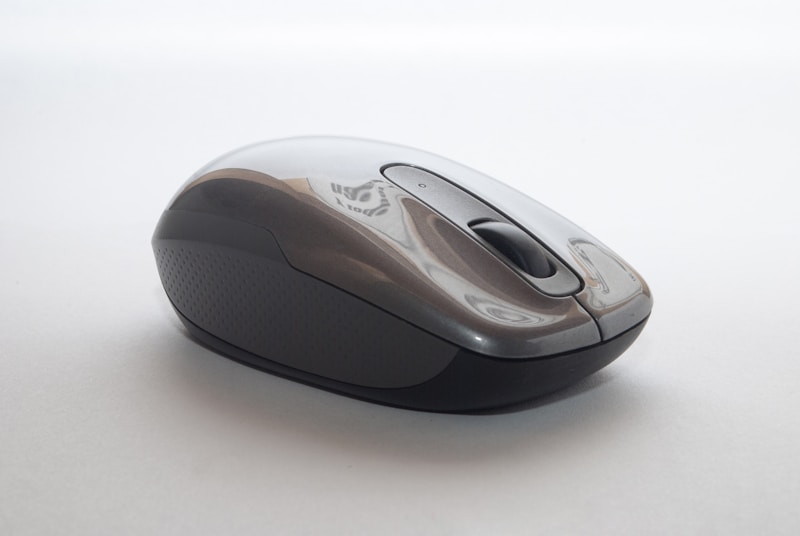
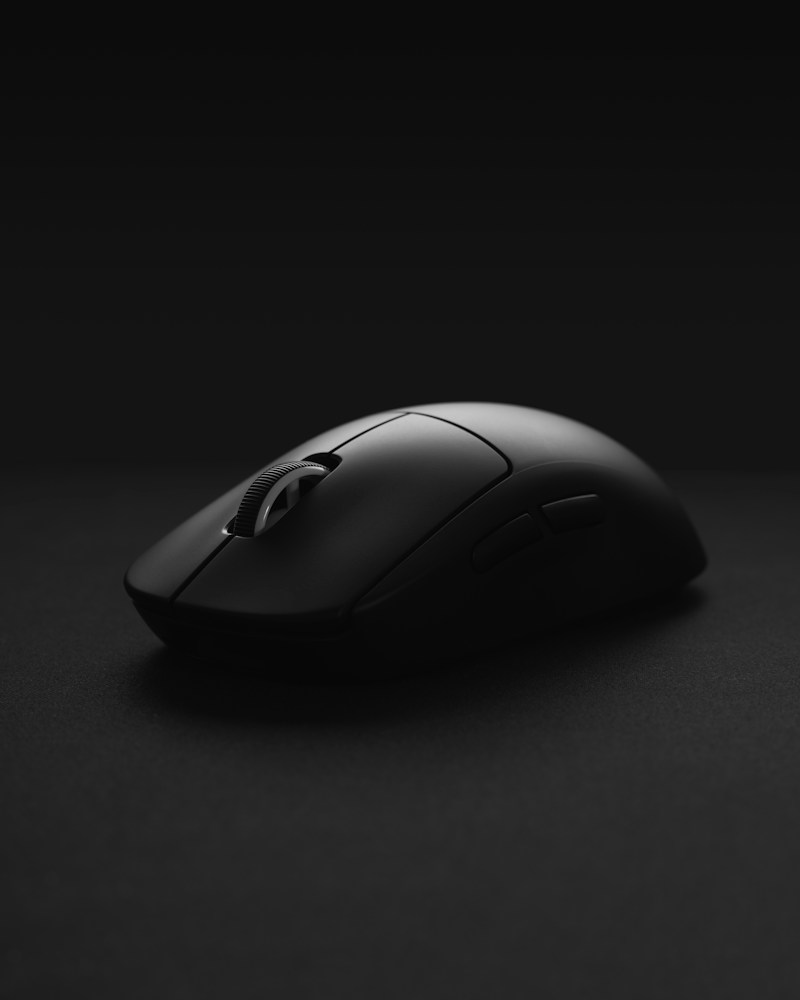
ProGlide Ergonomic Wireless Mouse vs Ultra-Light Gaming Mouse: which should you buy?
The Answer
These two ProGlide mice serve completely different use cases despite sharing a brand. The Ergonomic Wireless Mouse ($49.99) is built for all-day productivity: its sculpted shape supports natural hand positioning, silent clicks are office-friendly, and 70-hour battery life means weekly charging at most. The Ultra-Light Gaming Mouse ($64.99 on sale) is built for competitive gaming: 58 grams for effortless flick aiming, a 25000 DPI sensor for pixel-perfect tracking, and PTFE feet for frictionless gliding. If you work at a desk 8+ hours daily and game casually, get the Ergonomic. If you play competitive FPS games regularly and can tolerate a less ergonomic shape, the Ultra-Light is the better mouse for the job. They're priced close enough that some users buy both—one for work, one for play.
Side-by-Side Comparison
| Feature | ProGlide Ergonomic Wireless Mouse ProGlide | ProGlide Ultra-Light Gaming Mouse ProGlide |
|---|---|---|
| Price | $49.99 | $64.99 $79.99 |
| Availability | In Stock | In Stock |
| Sensor | 16000 DPI Optical | 25000 DPI Optical (PixArt PAW3395) |
| Connectivity | 2.4GHz Wireless (USB-A dongle) | — |
| Battery Life | Up to 70 hours | — |
| Charging | USB-C | — |
| Weight | 95g | 58g (without cable) |
| Buttons | 6 programmable | 6 |
| Compatibility | Windows, macOS, Linux | — |
| Cable | — | 1.8m Paracord |
| Polling Rate | — | 1000Hz |
| Switches | — | Omron 20M rated |
| Feet | — | 100% Virgin PTFE |
| RGB | — | Per-zone RGB (16.8M colors) |
| Pros |
|
|
| Cons |
|
|